Citrix printing in the archive. Older Citrix printing notes and the conditions that affected reliability.
Contrary to common belief, Citrix printing CAN be reliable. The following steps will guide you in attaining that. The environment is Windows 2003 Server, Xenapp 4.5, and a wire array of clients; standard metaframe server. So, probably a dumb question – what is the print spooler. Keep in mind that with this excercise we are looking to tie in the windows spooler and citrix spooler service. The considerations are:- The printing policy
- Native/Non-native drivers
- Discovering and Eliminating unreliable drivers
- Deleting faulty drivers
The printing policy:
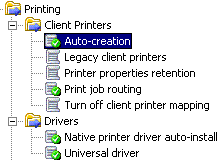
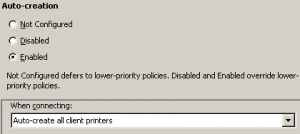
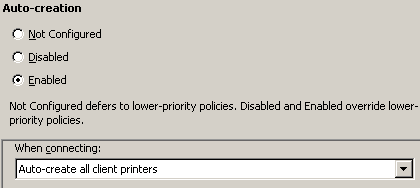
- Auto creation – Auto create all client printers
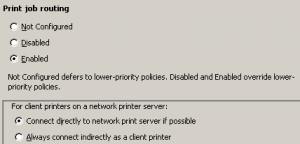
- Print job routing: If you have a print server this will help skip another loop.
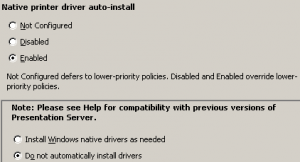
- Native driver auto-install. This determines if your server will get cluttered with bad drivers in the long run. Do not automatically install drivers.
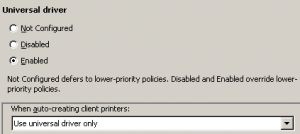
- Universal driver: Use the Citrix Universal Print Driver:
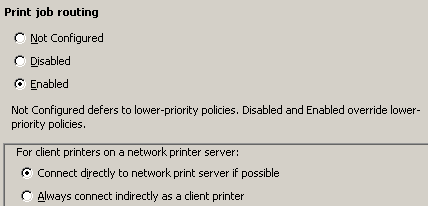
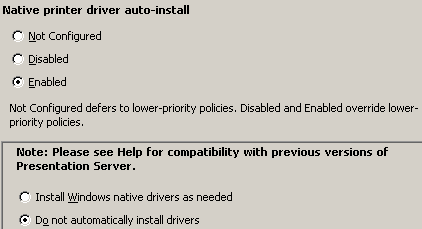
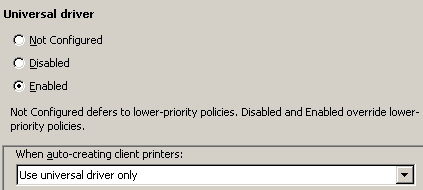
Native/Non Native Drivers:
The best practice with drivers is to avoid both if Citrix was questioned. In real life, most environments will have a few native/non-native drivers which you HAVE to install. This is usually due to photocopier options, security and in general just something the Citrix Universal print driver does not handle.
BUT – We also need to make sure these drivers are safe and will not compromise stability.
This is a two part process, A. ensuring whether the driver in question is native (preferred), B. making sure the driver is reliable.
For this we need to two tools:
- Citrix’s Stress Tools – this will work on all windows environments and can be found in 32&64 bit flavours. This ZIP will need to be extracted to a local drive on the server you’re looking to test.
- Citrix’s Print Detective – this will also need to run locally.
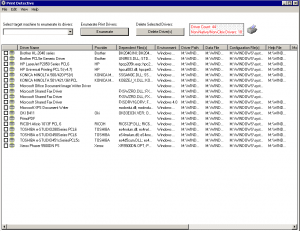
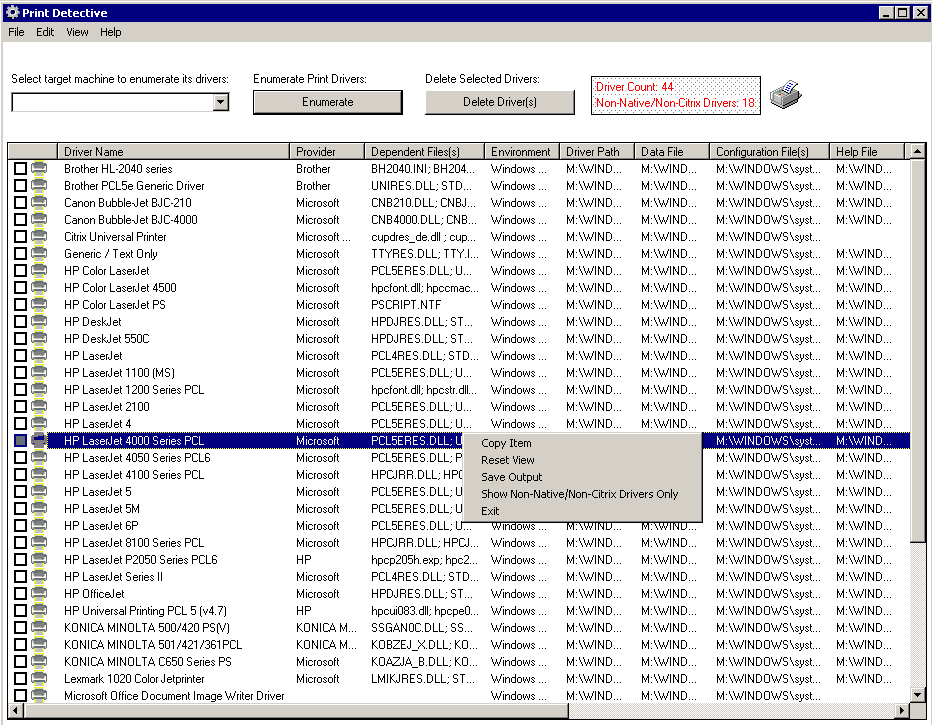
Print Detective
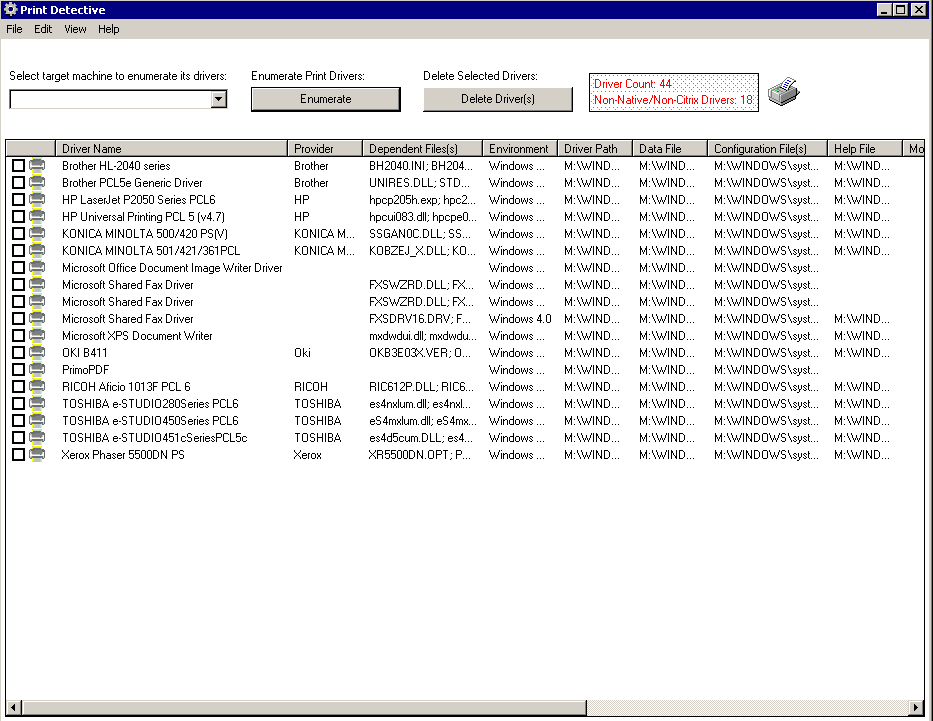
- You will use this to identify what drivers are native or otherwise. Run the application from where you unzipped it. Right click and “Show Non-Native/Non-Citrix drivers only”.
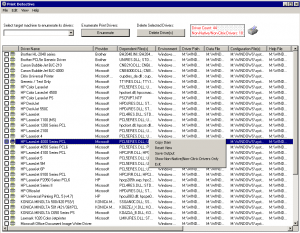
- The main aim is to test the Drivers identified in step 1. Yes I know, there are some Microsoft printers in there, doing this exercise is adhering with Citrix’s guidelines and these drivers we “should” test.
Stressing the server
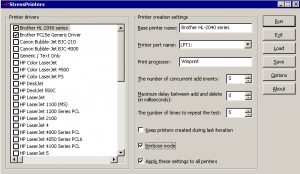
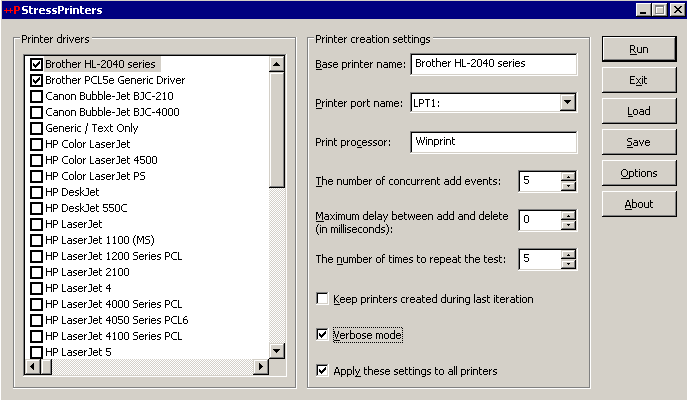
- Run your Stress Printer application from where you unzipped it.
- The options you need to look at are “The number of concurrent add events”, 5 is recommended, and “The number of times to repeat the test”, 5 as well. “Verbose mode” and “Apply these settings to all printers” will need to be checked. The selected printers will be the ones we identified in the previous paragraph.
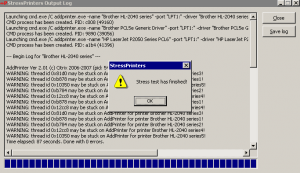
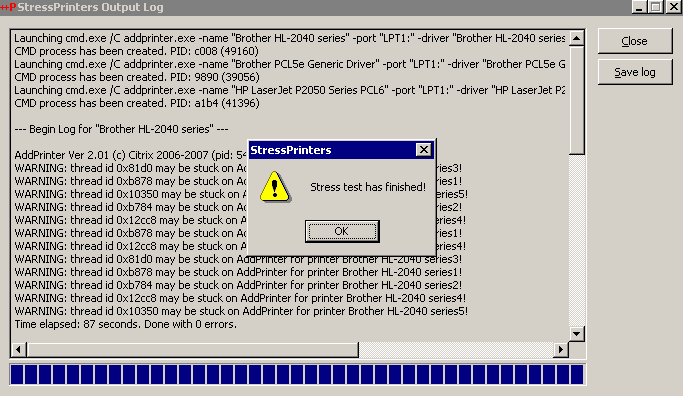
- Ignore Warnings in the log. You are looking for 0 Errors.
Deleting Faulty drivers
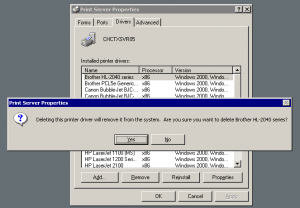
- The identified faulty drivers will need deletion.
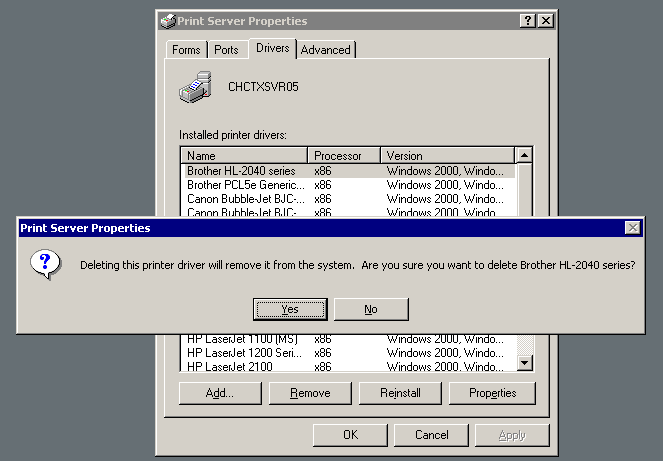
- Go to Start, Printers and Faxes, on the top right click on File, Server properties, then choose the drivers tab. Select the appropriate driver then “Remove”
Related reading: Data Centre Cabling: Comparing Layouts.