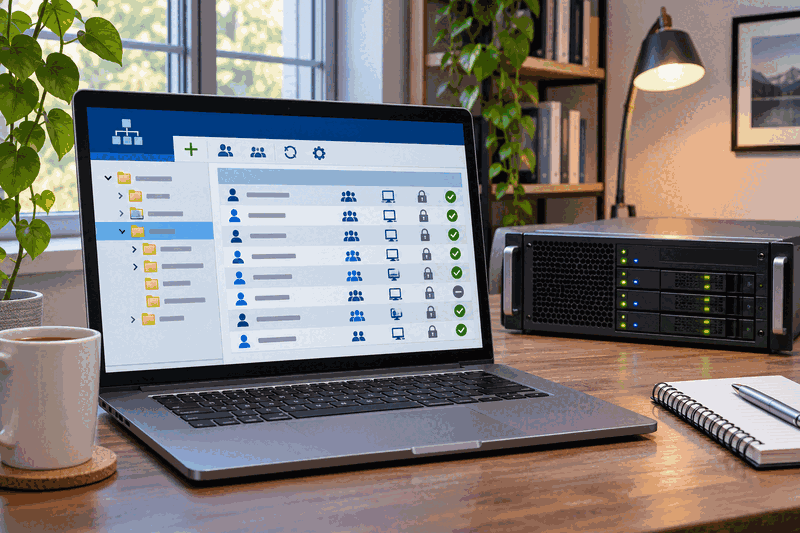
A UPN suffix change updates the part of the Active Directory sign-in name after the @ symbol. This archived example shows how I scheduled the change after a domain move.
Before scheduling the task
Before scheduling a UPN suffix change, confirm the destination suffix is configured and check the accounts the script will touch. Try the change on a small test group and verify cloud sign-in after directory sync.

You have completed the domain work in relation to your O365 tenancy, however the usernames replicated to AAD are in “username@old suffix.com” format.
Most organizations have inherited a “username@old-domain.local” suffix. Time goes on and the organization changes its name, amalgamates, etc, for whatever reason, effectively changes its name.
The target of the script is the group a on-prem active directory group.
The following script will serve to allow you to run the script wrapped in a scheduled task in order to change the full upn for the usernames in the group with from “username@old-company.local”(no joke intended), through to “firstname.lastname@new-domain.com” format.
I have used the script on a nightly basis but do not see the reason to run it more frequently.
Import-Module ActiveDirectory
$group = "O365 Users"
$newsuffix = "new-suffix.com"
$users = get-adgroupmember -Identity $group |Get-ADUser |sort userprincipalname
$from = "servername@domain.com"
$to = "admin-user@domain.com"
$tofailedrecipient = "poor.sysadmin@domain.com"

foreach ($user in $users){
    $upn = (($user.givenname)+"."+($user.surname)+"@"+$newsuffix).tostring()
    $upnfromad = ($user.userprincipalname).tostring()
    if ($upn -notmatch $upnfromad) {
        Try{
            $emailbody = "<HTML><HEAD><META http-equiv=""Content-Type"" content=""text/html; charset=iso-8859-1"" /><TITLE></TITLE></HEAD>"
            $emailbody = "<BODY bgcolor=""#FFFFFF"" style=""font-size: Small; font-family: Arial; color: #000000""><P>"
            $emailbody += "<p>The following UPNs have been updated:</p>"
            Set-ADUser -Identity $user.SamAccountName -UserPrincipalName "$($user.GivenName).$($user.Surname)@$newsuffix"
            $emailbody += $upn
            $emailbody += "<br>"
            $successMessageParameters = @{
                        Subject = "The following addresses have been updated - $((Get-Date).ToShortDateString())"
                        Body = $emailbody
                        From = $from
                        To = $to
                        SmtpServer = "x.x.x.x"
                        BodyAsHTML = $true
                        }
            $emailbody += "<p>Regards,</p>"
            $emailbody += "<p>Your friendly Office 365 team</p>"
            Send-MailMessage @successMessageParameters
            }
        Catch [Exception] {
            $ErrorMessage = $_.Exception.Message
            $failedMessageParameters = @{
                        Subject = "The following error was encountered when attempting to update the UPN's"
                        Body = ("'$ErrorMessage'") | Out-String
                        From = $from
                        To = $tofailedrecipient
                        SmtpServer = "x.x.x.x"
                        }
            Send-MailMessage @failedMessageParameters -BodyAsHtml
        }
    }
}
Related reading on this site: Change Suffix To AD Security group.