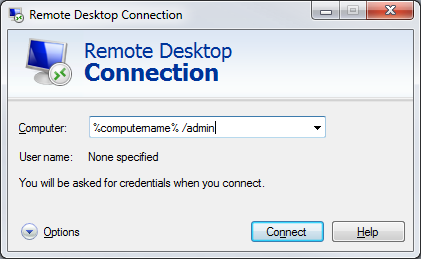
Remote access in the archive. Managing several connections through the mRemote client.
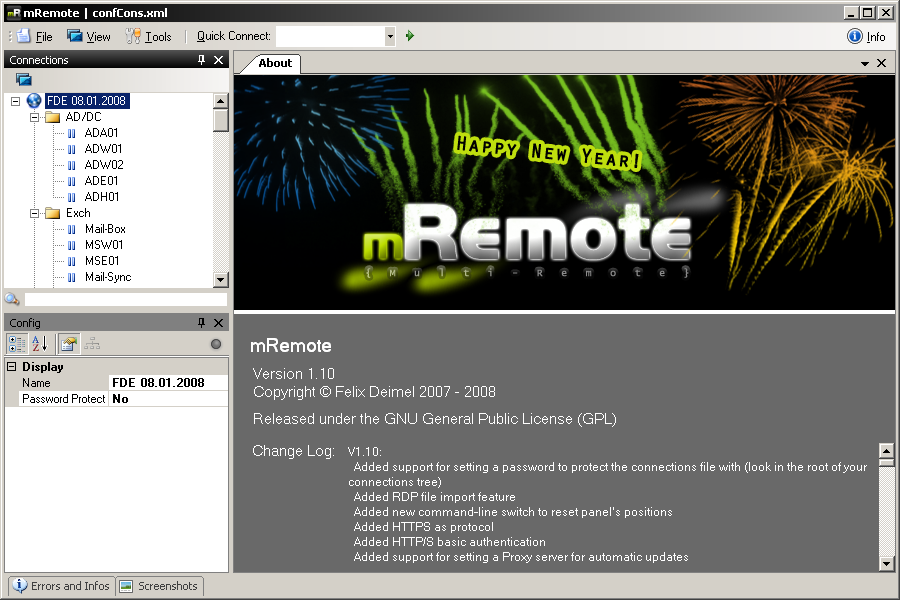 A few questions that have been poping around the office for a long time is what is an open source remote access tool that will handle a domain/multi domain scenario.
mRemote is an open source piece of software will do the majority of what you need – rdp, vnc, telnet, ica, ssh, and a few others that you dont use day to day.
When handling RDP sessions, mRemote is able to account for multi-domain setups whereby you can setup and propagate inheritance of your credentials and per connection setups that would otherwise waste time. On top of this, with the right priviliges you are able to download your list of server names that you will have in your Active Directory OUs.
Furthermore, every serious network now-a-days will have telnet (your Cisco gear), ssh (ESX/VMware environment+Cisco) and mRemote is only too happy to oblidge.
Populated it will looks a little like this:
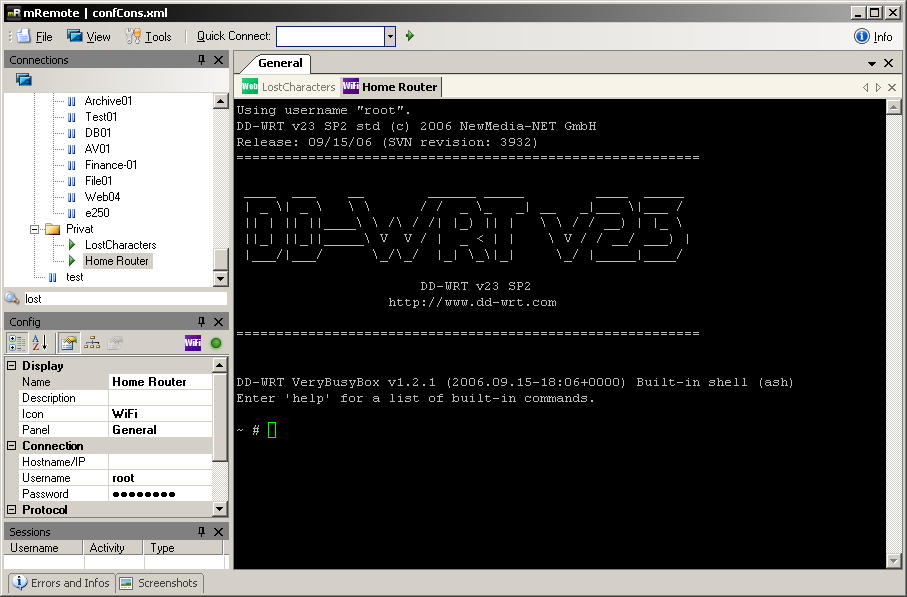 The current version is 1.50 and they continually release new versions that account for bug fixes a few new features. Please ignore the version on the screenshot, there arent any big gui changes between 1.10 and 1.50.
Related reading: Data Centre Cabling: Comparing Layouts.